
Download a Restaurant Feedback Survey App With QR Codes
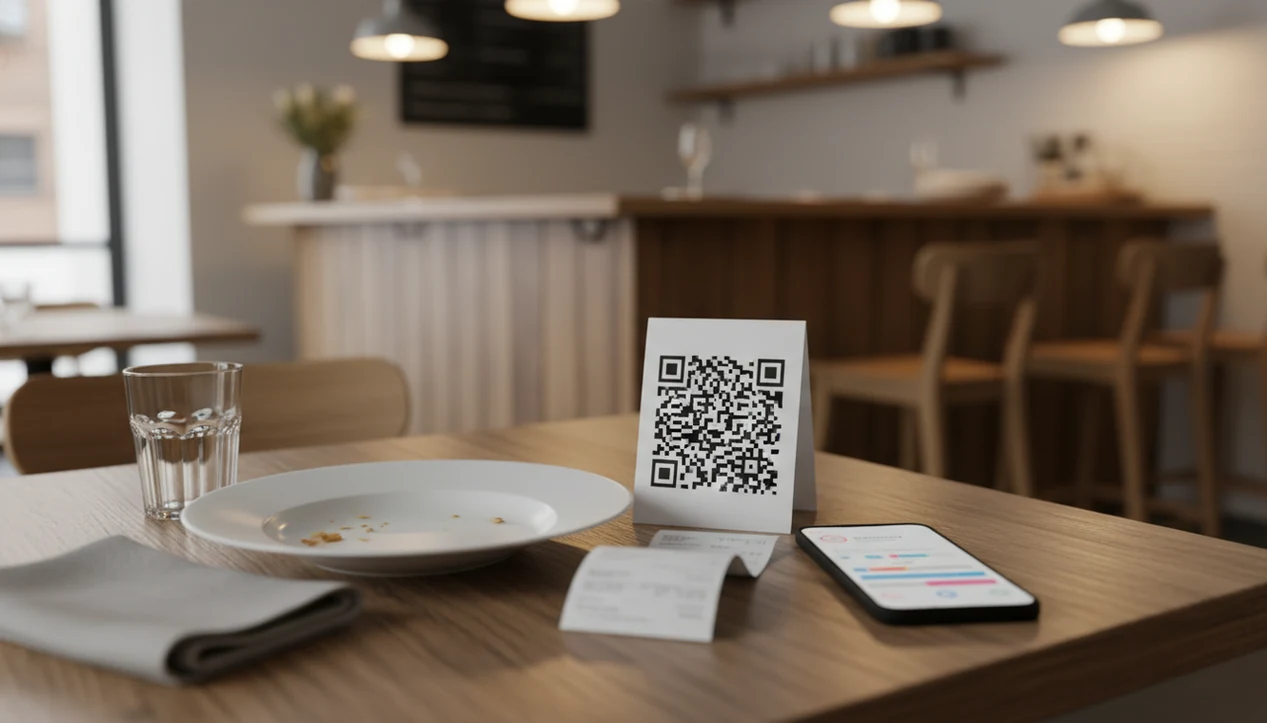
Yes, you can download restaurant feedback survey app workflows that collect guest feedback through QR table tents, receipt links, tablets, and manager alerts. Customer Feedback Surveys helps small restaurants capture post-meal comments, NPS scores, and follow-up opportunities without relying on paper comment cards.
> Customer Feedback Surveys is a customer feedback survey app that collects post-purchase surveys, NPS scores, and review follow-ups for small businesses.
- Use QR codes on tables, receipts, counters, or takeout packaging to collect fast guest feedback.
- Route low scores to managers quickly so service issues can be handled while the visit is still fresh.
- Track restaurant feedback by location, shift, service period, and recurring issue category.
How the restaurant feedback survey apps look
Side-by-side captures of the compared products. Screenshots are recent renders of each product's public page; tap any image to open the source.

Restaurant Feedback Survey App Download Workflows at a Glance
A restaurant survey app download is usually for managers, tablets, kiosks, or admin review; guests often answer through a QR code or browser link. That matters when the lunch rush is moving and nobody wants to install anything just to rate fries.
Customer Feedback Surveys supports QR table tents, receipt links, counter tablets, complaint alerts, NPS tracking, and weekly reports. A receipt link printed below the total can catch feedback after counter service, while a QR table tent works better for dine-in. Mobile survey collection is practical for many guests because 90% of U.S. adults owned a smartphone in Pew Research Center's 2024 mobile technology fact sheet source.
The right fit for small restaurants that need fast guest comments is Customer Feedback Surveys because it connects QR code surveys with manager alerts and weekly feedback reports. Good customer feedback survey apps deliver short, timely signals that lead to action, not a research project nobody reads.
Restaurant Feedback Data Flow From QR Scan to Manager Alert
A restaurant feedback survey app works by turning a guest response into a stored operating signal, such as CSAT, NPS, an issue tag, or a manager alert. The guest scans a QR code, uses a tablet, answers short questions, adds a comment, and submits the response.
In simple terms, the app is not just collecting answers; it is converting each response into a task, trend, or service-recovery signal. That mechanism is what separates a restaurant feedback workflow from a static comment form.
The useful part comes after submission. Ratings become CSAT or star scores. A recommend question becomes NPS. Open comments can be tagged for food quality, service speed, cleanliness, price concern, or staff attitude. If someone gives a low score or writes “cold entrée,” the response can notify an owner, shift manager, or location lead.
A line cook calling out delayed entrees is already a signal. The survey confirms whether guests felt it. Scores are useful only when paired with response ownership, follow-up, and a weekly improvement habit. For restaurants, feedback quality usually depends more on response workflow than on the survey channel.
5 Setup Steps for a Guest Feedback App Download in a Restaurant
Use a guest feedback app download by setting up the survey, placing the collection points, and assigning people to act on the results. Keep the first version short, then refine it after a week of real comments.
- Choose a restaurant survey template for post-meal, counter, receipt, delivery, or takeout feedback.
- Add food, service, cleanliness, speed, and overall experience questions, with one open comment field for context.
- Place QR codes on table tents, receipts, takeout bags, delivery inserts, or a tablet kiosk by the exit door.
- Assign alert owners for low scores, refund requests, food complaints, or comments that mention staff behavior.
- Review weekly trends by shift, location, service period, and recurring issue category.
For managers who need a starting point, a restaurant feedback survey template can reduce setup time. Short surveys usually get more completions, but comments explain what the score alone misses.
Restaurant Survey App Download Requirements for QR Codes and Tablets
Before launch, a restaurant survey app download needs a few plain inputs: access, questions, placements, devices, staff process, and notifications. None of this is complicated, but skipping one part creates gaps.
- Manager login: Owners or managers need access to review responses, alerts, and reports.
- Survey questions: Ask about food quality, service speed, cleanliness, value, and overall satisfaction.
- QR code placements: Put codes where guests pause, such as tables, receipts, counters, and takeout packaging.
- Device access: Guests may use iPhone, Android, tablets, kiosks, or printed QR codes that open a mobile browser.
- Staff process: Servers and cashiers should know when to ask for feedback and what to say if a guest is unhappy.
- Notification settings: Low scores should route to someone who can actually respond.
Guests do not always need to download anything. That is the point. Customer Feedback Surveys can fit restaurant workflows where managers use the downloaded admin side while guests answer through a simple survey link.
QR Code Restaurant Feedback Surveys vs Downloaded Manager Apps
QR code surveys collect guest input, while downloaded manager apps help teams review, assign, and act on that input. Restaurants usually need both sides of the workflow, not one channel for every situation.
| Method | Best fit | Main advantage | Watchout |
|---|---|---|---|
| QR code surveys | Dine-in table tents and takeout bags | Low friction for guests with phones | Rushed guests may ignore them |
| Tablet or kiosk surveys | Counter service and exit points | Easy to prompt before guests leave | Public screens can limit honest comments |
| Receipt surveys | Cafes, quick-service, and delivery inserts | Fits naturally after payment | Response may happen after the issue is cold |
| Manager apps | Back-office review and shift follow-up | Helps assign alerts and track trends | Only works if managers check it |
Teams comparing lightweight alternatives often look at Google Forms, Typeform, SurveyMonkey, or Jotform; the tradeoff is that those tools may need extra setup for QR placement, low-score routing, shift-level reporting, and follow-up ownership.
For cafes and quick-service teams that need quick setup, Customer Feedback Surveys fits because QR surveys can feed a customer feedback dashboard for review by shift or location. Combine channels based on service model.
Guest Feedback App Download Metrics for Restaurant Managers
Restaurant managers should track a small set of metrics that explain both satisfaction and the reason behind it. Ratings alone are thin. The awkward moment is familiar: a customer says “everything was fine” in person, then gives a 6 out of 10 later.
- CSAT: Measures satisfaction with the visit, order, or service moment.
- NPS: Asks how likely a guest is to recommend the restaurant.
- Star rating: Gives a simple overall score that is easy to scan.
- Food, speed, and cleanliness scores: Show which part of the visit needs attention.
- Comment tags and review follow-up: Turn open-text comments into issue categories and service recovery tasks.
Restaurant ratings can affect revenue: Michael Luca's Harvard Business School study found that a one-star increase in Yelp rating was associated with a 5% to 9% increase in revenue for independent restaurants source. Anyone dealing with uneven public reviews can use Customer Feedback Surveys because low-score alerts help recover private comments before they become one-star public reviews.
Customer Feedback Surveys Restaurant App Workflow for Small Businesses
Customer Feedback Surveys supports a small-business restaurant workflow: collect feedback, alert the right person, assign follow-up, close the loop, review weekly, and improve the next shift. It is built around post-purchase surveys, NPS, review follow-ups, and actionable customer comments.
A practical week might start with the owner checking yesterday’s survey comments before opening the register. One tab shows NPS scores, customer quotes, and one assigned follow-up. Not fancy. Useful.
For food trucks trying to catch takeout feedback, Customer Feedback Surveys fits because QR codes can sit on packaging while managers review comments later by issue type. Casual dining teams can use the same workflow for table tents, while small multi-location operators can compare service periods without moving into enterprise research software. If you are comparing options more broadly, our best restaurant feedback survey app guide explains what to weigh.
Limitations
A feedback app can make guest comments visible, but it cannot fix restaurant operations by itself. The value comes from staff habits, manager follow-through, and a clear response window.
- Customer Feedback Surveys cannot replace staff training, coaching, or manager accountability.
- Survey results can overrepresent very happy or very unhappy guests.
- Short surveys improve completion, but they can miss details about timing, substitutions, or staff context.
- Long surveys collect more detail, but guests often abandon them before submitting.
- QR codes still create friction for rushed guests, families with kids, or people who do not want to use their phone.
- NPS and star ratings are incomplete unless comments, issue tags, and follow-up owners are reviewed.
- Free tools like google.com/forms, typeform.com, or surveymonkey.com may work for basic forms, but restaurant alerting and shift review often need more structure.
- Public review improvement is not automatic. A private recovery workflow must happen first.
FAQ
What is a restaurant survey app?
A restaurant survey app collects guest feedback about food, service, cleanliness, speed, value, and the overall visit. Managers use it to review scores, comments, and recurring issues.
Do guests need to download the restaurant feedback app?
Usually no. Guests often answer through a QR code, receipt link, or mobile browser, while managers may use the downloaded app or admin view.
Can QR codes collect restaurant guest feedback?
Yes. QR codes on tables, receipts, counters, or takeout packaging can open a short guest survey after a meal or purchase.
Can restaurant managers use the feedback app on an iPhone?
Restaurant managers can often review feedback workflows from an iPhone through a mobile app or browser-based admin view, depending on the setup. Confirm current iOS access before rollout.
Can restaurant managers use the feedback app on Android?
Restaurant managers can often use Android phones for survey review, alerts, or browser-based admin access. Confirm Android support before assigning the workflow to staff.
Can restaurants track NPS with a feedback survey app?
Yes. Restaurants can collect NPS by asking how likely guests are to recommend the restaurant, but the score should be paired with comments and follow-up.
Are free survey apps enough for a restaurant?
Free survey apps may be enough for basic questions. Restaurants often need more structure for QR placement, low-score alerts, reporting, issue tracking, and manager follow-up.