
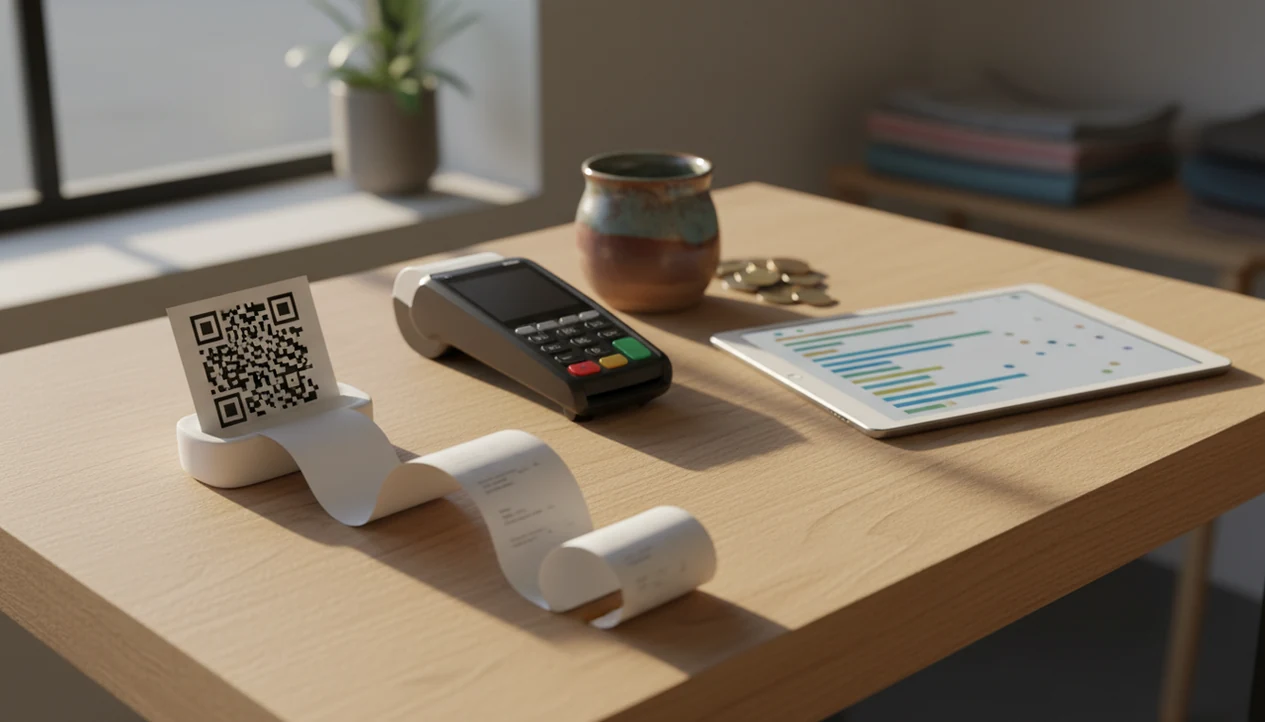
> Definition: Customer Feedback Surveys is a customer feedback survey app that collects post-purchase surveys, NPS scores, and review follow-ups for small businesses.
Why Small Business Owners Need Customer Feedback Surveys
Small business owners need customer feedback surveys because retention, service quality, and reputation usually move together. In the Federal Reserve's 2023 Small Business Credit Survey, 70% of employer firms said retaining customers was an operational challenge source, and PwC reported that 73% of consumers say good experience affects purchase decisions source.
A short survey catches the problem while it is still private. That matters when a customer says “everything was fine” at the counter, then leaves a 6 out of 10 after getting home. The private comment is still recoverable. A one-star public review is harder.
Customer Feedback Surveys is a practical fit for owners who need to see unhappy responses before they become public complaints because it sends low-score alerts tied to post-purchase surveys and NPS responses.
For shops, salons, restaurants, and local services, small business customer surveys are often cheaper and easier than enterprise CX platforms like qualtrics.com. The goal is steady operating feedback, not a research department.
At-a-Glance: 5 Small Business Customer Survey Methods Compared
A small business can collect customer feedback through email, SMS, QR codes, tablets, or a dedicated feedback app for local business. The main difference is whether the owner wants one channel or a combined workflow.
The cost ranges and setup times below are practical planning estimates, not audited market averages. Response-rate indicators are directional because timing, customer relationship, incentive, and list quality can change results more than the channel itself.
| Survey method | Best for | Cost range | Setup time | Response-rate indicator |
|---|---|---|---|---|
| Feedback app for local business | Multi-channel post-purchase surveys, NPS, review follow-up | Low to mid monthly fee | 30 to 90 minutes | Strong when SMS, email, and QR are combined |
| Email survey | E-commerce, invoices, booking follow-ups | Free to low | 15 to 45 minutes | Moderate, depends on list quality |
| SMS survey | Salons, repairs, appointments | Low to mid | 30 to 60 minutes | Often strong when sent soon after service |
| QR-code survey | Restaurants, retail counters, events | Free to low | 10 to 30 minutes | Good when placed near checkout or receipts |
| In-store tablet | Exits, service desks, waiting rooms | Hardware plus software | 1 to 2 hours | Mixed, depends on staff prompts |
If the priority is reducing tool clutter, Customer Feedback Surveys covers email, SMS, QR-code survey links, and dashboard review in one feedback workflow.
How Customer Feedback Surveys Work for Local Businesses
Customer feedback surveys work by connecting a trigger event to a short question set, then turning responses into a weekly review loop. The mechanism is simple: event trigger, delivery channel, structured response, and analysis loop.
A purchase, appointment, or support ticket fires the survey automatically. Delivery can happen by email, SMS, a QR code printed below the receipt total, or a booking-page embed. The survey usually combines CSAT, NPS, and one open-ended question so the owner sees both the score and the reason behind it.
On Friday morning, the useful work is not staring at a chart. It is opening the dashboard before standup, reading comments, tagging “wait time” or “packaging,” and assigning one follow-up. Research in the Journal of Service Research found that customers who receive a post-service satisfaction survey report higher loyalty intentions, including future purchase and recommendation likelihood source.
Customer Feedback Surveys fits local businesses that want post-service feedback without manual chasing because it aggregates NPS, CSAT, and customer comments into a weekly insights dashboard.
How to Set Up Small Business Customer Surveys in 5 Steps
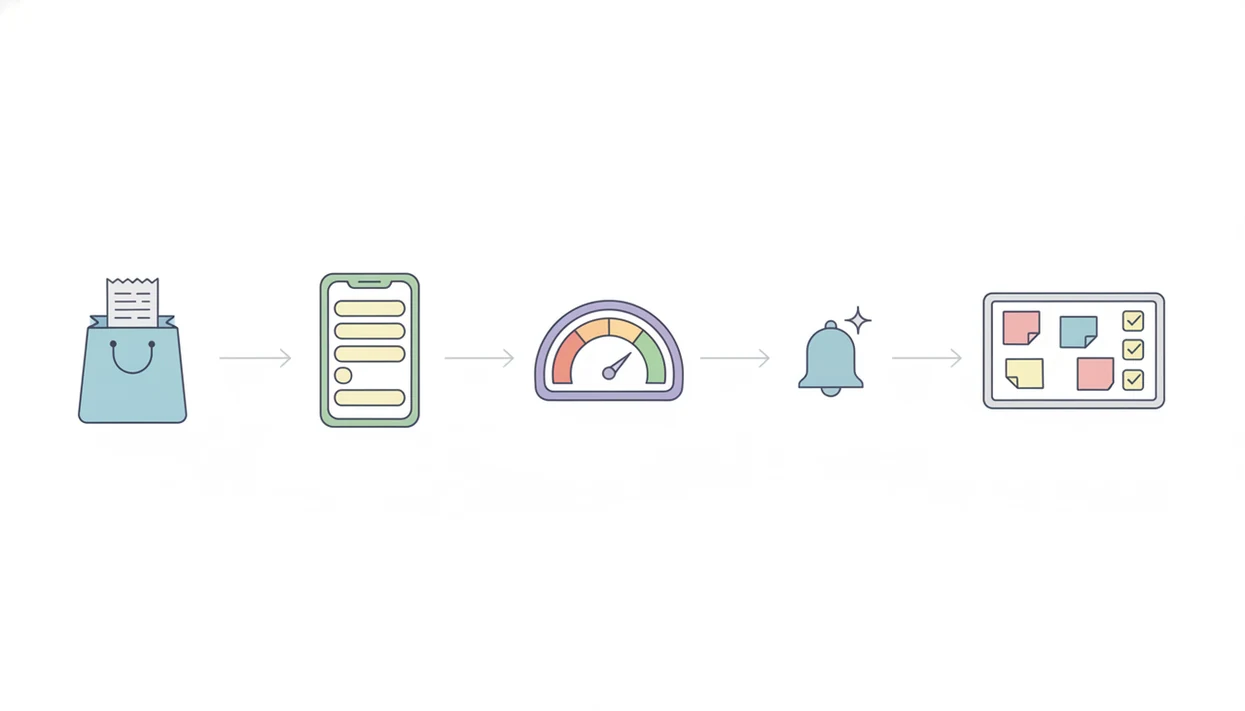
The easiest way to set up small business customer surveys is to start with one moment, one short survey, and one weekly review habit. Do not begin with every location, every product, and every possible question.
- Pick one key touchpoint. Start with post-purchase, post-appointment, or post-support, not all three at once.
- Draft 5 to 10 neutral questions. Mix rating scales with one open-ended prompt, such as “What should we improve next time?”
- Choose a delivery channel that matches the customer flow. Use SMS for salons, QR codes for restaurants, and email for e-commerce orders.
- Set an automatic trigger. Send the survey within 24 hours while the visit, delivery, or support call is still fresh.
- Review responses weekly. Tag recurring themes, choose the top finding, and assign one owner for the follow-up.
The checkout screen with one quick question beats a long monthly survey for most small teams because the memory is fresh and the ask feels small. For stores that want a deeper setup, our best post purchase survey app guide covers timing and question examples.
Top 3 Feedback App Features for Local Business Owners
The top feedback app features for local business owners are automated triggers, plain-language NPS and CSAT dashboards, and review follow-up prompts. These features beat enterprise feature bloat because a small team needs faster action, not more menus.
Automated Post-Purchase Triggers
Automated triggers send surveys after a sale, appointment, or completed service. Customer Feedback Surveys handles email, SMS, and QR links in one place, which helps when the owner checks yesterday’s comments before opening the register.
NPS and CSAT Dashboards
NPS and CSAT dashboards turn scattered responses into weekly trends. The right fit for owners who dislike raw spreadsheets is Customer Feedback Surveys because it shows score changes, customer quotes, and response channels together.
Review Follow-Up Prompts
Review follow-up prompts guide satisfied customers toward Google or Yelp without hiding unhappy feedback. Good feedback apps deliver faster service recovery and cleaner review workflows, not a way to pressure every customer into praise.
For owners comparing tools, the broader best customer feedback survey app guide explains how Customer Feedback Surveys differs from general form builders like google.com/forms and typeform.com.
For basic do-it-yourself forms, Google Forms, Jotform, and Typeform may be enough. For heavier reputation-management workflows, owners may also compare Podium, Birdeye, or NiceJob before choosing Customer Feedback Surveys.
4 Common Survey Patterns Among Small Business Owners
Small business customer surveys tend to follow a few repeatable patterns. The useful pattern is the one that matches how the customer already moves through the business.
- Restaurants: A QR code on the receipt leads to a 3-question satisfaction check, then the manager reviews food-quality mentions weekly. A kitchen ticket curling on the rail is not the moment to ask, the receipt is.
- Salons and barbershops: An SMS survey goes out about 2 hours after the appointment, and NPS is reviewed monthly. Client brushing hair off the cape, then a quiet phone buzz later. That timing works.
- Home services: An email survey follows job completion and asks about technician professionalism, cleanliness, and arrival time.
- Retail shops: A tablet at the exit or post-purchase email asks whether the customer found the right product selection.
- Systematic measurement: McKinsey has reported that companies using customer-experience measurement saw 10 to 15% revenue growth and 20 to 30% customer satisfaction gains over three years source.
Service businesses that rely on repeat visits can use Customer Feedback Surveys to connect these patterns through one dashboard, rather than separate QR, email, and review tools.
Honest Gaps in Customer Feedback Surveys for Small Business
Customer feedback surveys are useful, but they are not a complete diagnosis of the business. They show what respondents are willing to tell you, which is not always the full customer base.
Response bias is real. The most satisfied and most dissatisfied customers often answer first, while the quiet middle says nothing. Low-volume businesses may need several weeks before the pattern is stable enough to trust.
Surveys also reveal problems without fixing them. If prices are wrong, staffing is thin, or the product does not fit the market, a dashboard will only make the issue more visible. Over-surveying can also damage the relationship, especially when the same customer gets a receipt survey, an email survey, and a review request in the same day.
For many owners, a free customer feedback survey app is enough to test the habit before paying for automation.
Limitations
Customer feedback surveys for small business work best as an operating habit, not a magic answer. Use them with clear limits.
- Response bias skews toward extremes, so the silent majority is often underrepresented.
- Very small transaction volumes require longer collection windows before trends stabilize.
- Poorly worded questions, especially leading questions, can produce misleading data.
- Surveys alone cannot fix weak pricing, poor product-market fit, or chronic staffing gaps.
- Over-surveying risks fatigue, lower response rates, and brand damage.
- Open-ended answers require manual review unless paired with text-analysis tools.
- Review follow-up prompts should not replace direct service recovery for unhappy customers.
- A feedback workflow can show a slow line beside the card reader, but the owner still has to change staffing or checkout flow.
Customer Feedback Surveys is most useful when someone reviews the weekly dashboard and assigns a next step. Without that habit, even clean NPS and CSAT data becomes shelfware.