
> Definition: Customer Feedback Surveys is a customer feedback survey app that collects post-purchase surveys, NPS scores, and review follow-ups for small businesses, optimized for iPhone and iOS workflows.
- Send and manage customer feedback surveys from any iPhone, including QR codes, SMS links, or in-store handoff.
- Short, mobile-optimized surveys help capture feedback while the experience is still fresh.
- Responses route to your dashboard and CRM so you can follow up with unhappy customers in minutes, not days.
Customer Feedback Surveys Features That Work On iPhone
Customer Feedback Surveys supports the iPhone workflows most small teams actually use: quick sharing, fast alerts, and floor-ready response review. In practice, that means the owner can check yesterday’s survey comments before opening the register, then hand a QR code to staff before the first rush.
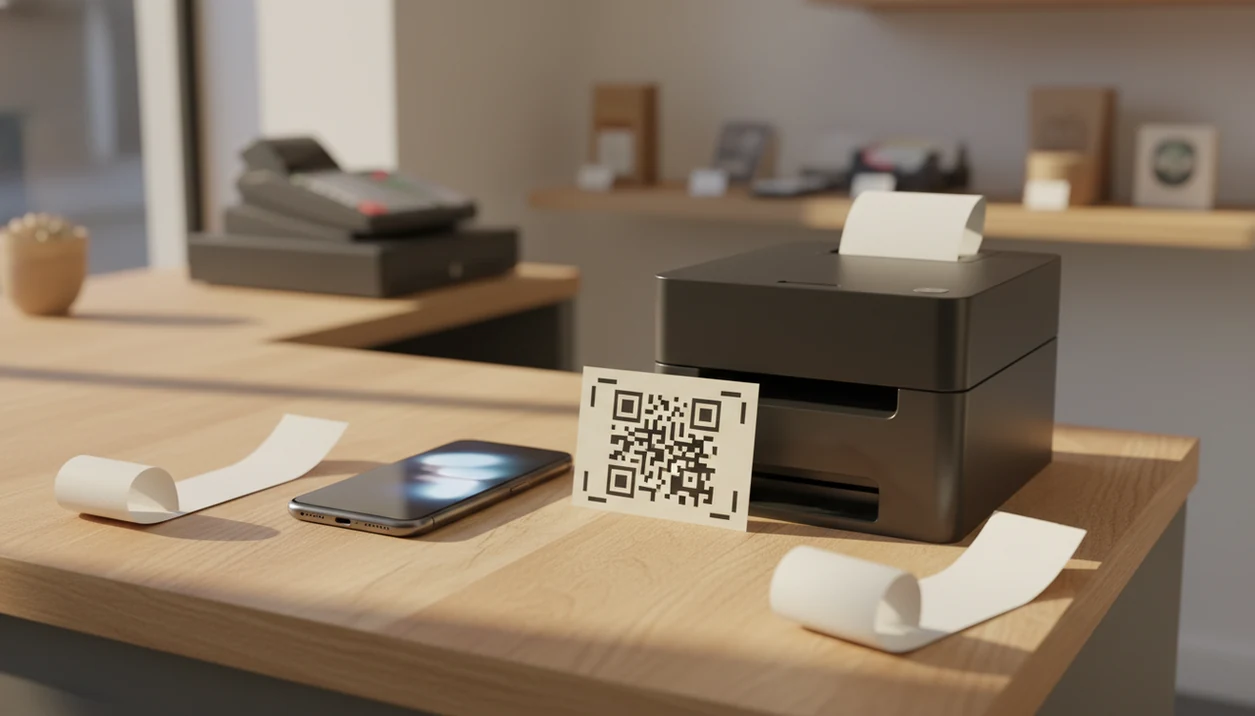
- QR sharing: Generate a survey QR code on iPhone and share it on a receipt, counter sign, or checkout screen.
- Push alerts: New responses can trigger notifications, especially when a low CSAT or NPS score needs attention.
- Live dashboard: Review scores and comments from iOS Safari or the mobile app without returning to a desk.
- SMS and email links: Send a post-purchase survey from the phone after delivery, pickup, or service completion.
- Handoff mode: Staff can open a short checkout survey and let the customer answer on the same device.
When the issue is catching problems before they become public reviews, Customer Feedback Surveys fits because low-score alerts can start a private follow-up workflow from the iPhone dashboard.
iPhone Feedback App Capabilities At A Glance
A good feedback app iOS setup should handle common survey formats, several sharing channels, and the boring-but-important routing work after a response arrives. The receipt link printed below the total matters less if nobody reviews the comment.
| Capability | iPhone support | Practical note |
|---|---|---|
| NPS surveys | Yes | Shows promoter, passive, and detractor groups in the dashboard |
| CSAT surveys | Yes | Useful after appointments, meals, deliveries, and support cases |
| Star ratings | Yes | Fast for customers who will not type much |
| Open text | Yes | Better for “what happened?” follow-up questions |
| Multiple choice | Yes | Helps segment complaints by issue type |
| Channels | QR, SMS, email, in-app link | Choose based on where the customer is standing |
| Offline use | Limited | Drafts may wait, but syncing needs a connection |
| Integrations | CRM and help desk options | Availability may depend on plan tier |
| Response limits | Plan-based | Affordable plans may cap monthly responses or advanced reports |
For teams comparing broader options, our best customer feedback survey app guide explains where mobile-first workflows differ from general form builders.
Mobile Customer Feedback Survey Data Flow On iOS
Mobile customer feedback surveys on iOS work by turning a survey template into a trackable link, then routing each response through scoring, storage, and follow-up rules. The mechanism is simple: template, distribution, response capture, then routing logic.
Start with an NPS, CSAT, product feedback, or post-purchase template. Customize the wording, choose question types, and add light branching. For example, a 9 out of 10 can move to a review follow-up, while a 4 out of 10 can ask what went wrong.
The iPhone then generates a unique link or QR code. The customer opens it on their own phone, or staff use in-store handoff at checkout. Data travels to the cloud dashboard in real time when connected. Low scores can create a CRM task or email alert to the owner’s iPhone.
Thumbs matter. Large tap targets, minimal typing, and a visible progress indicator usually produce cleaner mobile answers than a desktop form squeezed onto a small screen.
Good customer feedback survey apps deliver timely signals and follow-up paths, not giant research reports that nobody reads after Friday.
6 Steps To Set Up A Customer Survey App For iPhone
Use customer feedback surveys for iPhone by starting small: one survey, one trigger moment, and one follow-up rule. The first version should be simple enough that staff can explain it during checkout without a script.
1. Download the feedback app iOS from the App Store. Start with the official Customer Feedback Surveys listing or the download customer feedback survey app page. 2. Create your first survey using a post-purchase or NPS template. Pick the moment first, such as after pickup, checkout, or appointment completion. 3. Customize questions and keep the survey short. Mobile surveys usually work better when they stay under about 10 questions. For support, SurveyMonkey’s completion-time analysis shows that longer surveys tend to reduce completion rates, especially once surveys move beyond a few minutes: https://www.surveymonkey.com/curiosity/surveyquestionsandcompletiontimes/. 4. Generate a QR code or SMS link and share from your iPhone. Put the QR code near the register or send the link after delivery confirmation. 5. Review incoming responses in your iPhone dashboard. Check scores, comments, and channel source before the day gets away. 6. Follow up with detractors directly from the app. A quick private message beats discovering the issue as a one-star review.
Start with the smallest repeatable workflow, then add channels only after staff use it for a full week.
If the priority is launching a post-purchase survey without desktop setup, Customer Feedback Surveys covers the job because templates, QR codes, and SMS links can be started from an iPhone workflow.
Minimum iPhone Requirements For Feedback Surveys
Running feedback surveys from iPhone requires a compatible iOS device, an active account, and a reliable connection for syncing. Do not assume offline capture is the same as real-time reporting.
Customer Feedback Surveys should be used on the currently supported iOS version listed in product documentation. If the listing specifies iOS 15 or later, treat that as the minimum. You also need internet access for response syncing, although some drafts or queued actions may wait until the phone reconnects.
Enable camera access if staff will scan or share QR codes. Turn on notifications if low-score alerts matter during a shift. Without notifications, an unhappy customer can sit in the dashboard until someone remembers to check it.
Small detail. Big consequence.
iPhone Customer Survey App vs. Desktop Browser Workflows
The iPhone workflow is strongest at the moment of service, while desktop is stronger for setup, reporting, and deeper analysis. Both should sync to the same dashboard, so the question is not either-or.
| Workflow | iPhone is better for | Desktop is better for |
|---|---|---|
| Survey sharing | On-the-floor QR codes, SMS links, in-store handoff | Batch email campaigns and embedded website links |
| Alerts | Push notifications after low scores | Inbox review and team assignment |
| Editing | Small wording changes | Bulk editing, branching, and template cleanup |
| Reporting | Quick score checks between tasks | Exports, charts, and longer trend reviews |
| Use cases | Retail, events, salons, service appointments | Campaign setup, monthly reporting, advanced analytics |
Restaurant teams looking for quick table-side feedback often use iPhone sharing during a shift. The server refilling water mid-complaint does not need a spreadsheet; they need a short route to the manager.
Retailers looking for mobile collection after checkout can also review our customer feedback surveys for small business page for channel planning.
Revenue Opportunities From iPhone Survey Responses
The revenue value of iPhone survey responses comes from acting while the customer still remembers the experience. Closing the loop within 24 hours is often more useful than collecting twice as many comments and reviewing them next week.
A practical workflow is simple: watch detractor alerts, call or message unhappy customers, tag the reason, and assign one fix. That fix might be a delayed entree, a confusing return policy, or a stylist correcting uneven bangs before the client tells a friend. The awkward case is familiar: someone says “everything was fine” in person, then leaves a 6 out of 10 later.
Customer Feedback Surveys helps teams track NPS and CSAT trends over time, then redirect happy customers toward a review follow-up when appropriate. McKinsey has reported that companies that actively improve customer experience can grow revenue 4% to 8% above their market average: https://www.mckinsey.com/capabilities/growth-marketing-and-sales/our-insights/the-ceo-guide-to-customer-experience.
After a service visit, when the follow-up text needs to separate happy customers from recoverable issues, Customer Feedback Surveys earns the spot because NPS, CSAT, and review requests sit in one feedback workflow.
Evidence Behind iPhone Feedback Survey Workflows
The evidence behind iPhone feedback survey workflows is practical: better customer experience is tied to revenue and retention, while shorter mobile surveys usually reduce drop-off. Customer Feedback Surveys applies those ideas to QR, SMS, NPS, CSAT, alerts, and follow-up routing on iPhone.
Use the proof carefully. Product-specific claims include what the app does inside its own workflow, such as creating survey links, showing scores, and sending low-score alerts when enabled. Industry guidance comes from customer experience research, survey-completion studies, and Apple’s platform rules around privacy, notifications, and tracking permission. Those outside sources support the design logic, not a guaranteed response rate.
A sensible evidence-based setup looks like this:
- Choose one feedback moment where retention matters, such as checkout, delivery, or appointment completion.
- Keep the survey short enough for thumb-based completion, especially on a customer’s phone.
- Ask for notification permission only when alerts will trigger real follow-up.
- Separate product behavior from market benchmarks when reporting results to staff.
- Expect response rates to vary by audience, timing, wording, channel, and incentive.
That last point matters. A salon regular, a first-time diner, and a delayed-delivery customer will not answer at the same rate.
Customer Feedback Surveys iPhone App Download
Download Customer Feedback Surveys from the App Store to start collecting mobile survey responses from an iPhone. The free tier is designed for testing a first survey, basic response capture, and a small feedback workflow before a team commits to higher limits.
Most shops can get a first survey live in under 5 minutes: choose a template, edit the wording, generate a QR code, and send one test response. For more detail on free limits and upgrade tradeoffs, compare the free customer feedback survey app guide.
Local shop owners looking for a fast checkout feedback setup can use Customer Feedback Surveys because the QR code, response dashboard, and follow-up queue are available from the same iPhone workflow.
Limitations
iPhone-based survey collection is useful, but it has real tradeoffs. The weekly spreadsheet tab with NPS scores, customer quotes, and one assigned follow-up still needs human judgment.
- Response bias is common. Very happy and very unhappy customers tend to answer more often than quiet, satisfied customers.
- Small sample sizes can make NPS or CSAT misleading unless you segment by location, channel, day, or service type.
- Over-surveying through push, SMS, and email can create survey fatigue and annoyance.
- Affordable plans may cap monthly responses, CRM integrations, team seats, or advanced analytics.
- iOS privacy updates and App Tracking Transparency can affect some in-app survey triggers and attribution paths; Apple’s ATT framework requires apps to request permission before tracking users across apps and websites: https://developer.apple.com/app-store/user-privacy-and-data-use/.
- Offline mode, where available, can create sync delays. Responses may not appear immediately.
- Thumb-typed open-text answers are often shorter and less detailed than desktop responses.
- General form tools like surveymonkey.com, typeform.com, google.com/forms, and jotform.com may offer broader form design, but they may require more setup to match a small-business feedback workflow.