
How To Collect Feedback With a Phone and QR Codes
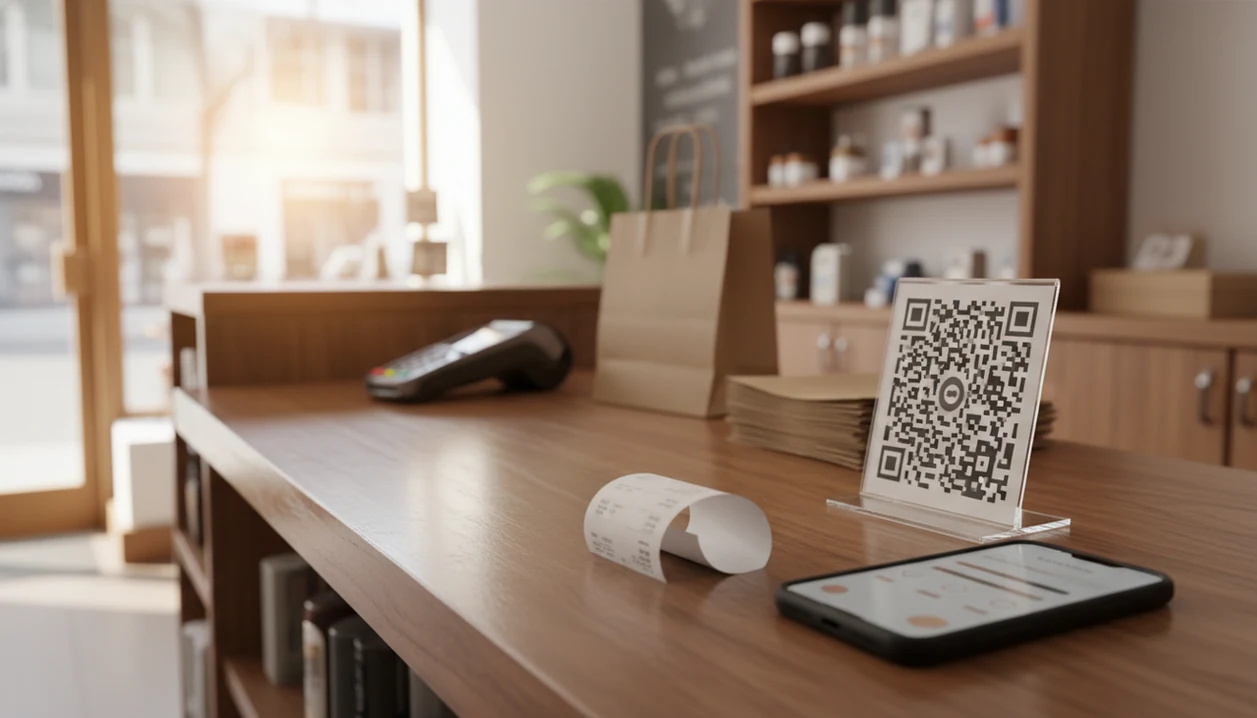
The easiest way to learn how to collect feedback with phone workflows is to give customers a QR code or SMS link that opens a short mobile survey right after checkout, service, or delivery. Keep it to one score question, one reason question, and one optional review follow-up so customers can respond in under a few minutes.
> Customer Feedback Surveys is a customer feedback survey app that collects post-purchase surveys, NPS scores, and review follow-ups for small businesses.
Use Customer Feedback Surveys for this workflow when you need QR or SMS survey links tied to a store, receipt, table, staff member, or order source—not just a generic form link.
- Use QR codes at the register, on receipts, on tables, or in follow-up texts to open a mobile-friendly feedback survey.
- Ask quickly after the customer experience and keep the phone feedback survey short: NPS or satisfaction score plus one open-ended question.
- Tag responses by location, staff member, receipt, or order type so feedback turns into specific fixes instead of vague comments.
Phone feedback survey basics for small businesses
A phone feedback survey is a short customer survey opened on a mobile phone by QR code, SMS link, receipt link, or direct phone call. It works best for immediate post-purchase feedback, not long research interviews.
Phone access is broad. Pew Research reports that 97% of U.S. adults own a cellphone and 90% own a smartphone, which makes mobile feedback practical for many local businesses source. The useful version is simple: one NPS question, one star rating or CSAT question, and one open-ended improvement prompt.
A receipt link printed below the total can work better than a long email sent two days later. The experience is still fresh, and the customer is already holding the phone.
For small shops, a phone survey is often easier than a paper card because responses land in one place and can be reviewed before the register opens.
Five evidence-backed phone feedback workflow facts
- Customers are already comfortable using smartphones during shopping and service moments, so a clear QR prompt at the counter is not an unusual request.
- SMS survey links are highly visible, but they should be used only when the customer has agreed to receive texts.
- SurveyMonkey benchmark data says completion rates drop when surveys take more than 7–8 minutes, so phone surveys should stay short source.
- QR codes can collect feedback without requiring a customer email address, which helps in-store teams hear from walk-in customers.
- Phone feedback becomes useful only when responses are tagged, tracked, reviewed, and acted on.
The pattern is modest. Ask at the right moment, then do something with the answer.
A five-star review drafted from a phone is nice, but the private three-star comment often gives the fix you needed.
How phone and QR code feedback works after purchase
Phone and QR code feedback works by moving a customer from a scan or tap into a mobile survey, then storing the response for scoring, alerts, and reporting. The basic data flow is scan, answer, save, calculate, notify.
QR codes and links can carry hidden context. A table tent might identify table 12, while a receipt link can identify a store, staff member, campaign, or order source. That context is called attribution. In plain terms, it tells you where the comment came from.
NPS is calculated by grouping 0–10 answers into promoters, passives, and detractors, then subtracting the percentage of detractors from promoters. CSAT is simpler: it usually averages or counts satisfaction ratings.
Mobile-first design matters here. Use large buttons, minimal typing, fast loading, and no account requirement. If the survey pinches and zooms, people leave.
Before you collect customer feedback on phone
“What should I set up before I collect customer feedback on phone?” Start with one goal, then choose the metric and moment that match it. Do not build the survey before you know what decision it will support.
Pick one purpose: improve service, measure loyalty, find checkout issues, monitor staff performance, or increase review follow-ups. Then choose a primary metric such as NPS, CSAT, thumbs up/down, or a star rating.
Keep the survey to 2–4 questions, with one open-ended prompt. Decide where the QR code or SMS trigger appears: register, receipt, table tent, door, package insert, invoice, or text after payment.
For in-store setups, QR code feedback surveys work well when the sign sits where customers naturally pause. A checkout screen with one quick question beats a poster near the exit.
Plan consent, privacy, and opt-outs before sending SMS messages; in the U.S., review FCC/TCPA text-message consent guidance (source) and get qualified advice for sensitive campaigns.
How to use a phone feedback survey with QR codes
To use a phone feedback survey with QR codes, create a short mobile survey, connect it to a QR code or SMS link, and review tagged responses on a regular schedule. The setup should be simple enough for staff to explain in one sentence.
- Set the feedback goal and choose the moment to ask.
- Create a short mobile survey with one score question and one comment question.
- Generate a QR code or short SMS survey link.
- Place the QR code where the customer naturally pauses after the experience.
- Tag each link by location, staff member, receipt, table, or order source.
- Review low scores quickly and follow up when contact permission exists.
For retail teams using iPhones at the counter, the setup steps in how to create QR feedback survey on iPhone are usually enough to get a first version live.
Start small. One counter sign can teach more than a complicated launch.
A simple staff prompt works better than a script: ‘Would you scan this and tell us how checkout went? It’s two questions.’
Best phone feedback survey questions to ask
The best phone feedback survey questions combine one measurable score with one plain-language reason. That gives you a number to track and a comment your team can act on.
- NPS question: “How likely are you to recommend us?” Use a 0–10 scale. Harvard Business Review popularized Net Promoter Score as a loyalty metric (source), but small businesses should use it as a directional signal.
- Satisfaction question: “How satisfied were you with your visit today?” This fits restaurants, salons, retail stores, and appointments.
- Improvement prompt: “What could we have done better?” This catches problems a rating cannot explain.
- Positive prompt: “What did you like most?” This supports review follow-up when the customer had a good experience.
One score plus one open-text reason is more actionable than a long questionnaire because it connects the number to a specific moment. The awkward case is familiar: a customer says “everything was fine” in person, then gives a 6 out of 10 later.
QR code, SMS, and phone call feedback methods compared
QR code surveys, SMS links, and short phone calls each fit a different feedback moment. Choose the channel based on contact permission, customer effort, staff time, and how urgent the issue is.
| Method | Best for | Main tradeoff |
|---|---|---|
| QR code surveys | In-store, receipt, table, and counter feedback without customer contact details | Depends on visible placement and customer trust |
| SMS survey links | Post-payment, appointment, delivery, or service follow-up when consent exists | Requires consent, opt-outs, and careful cadence |
| Short phone calls | High-value complaints or service recovery | Takes staff time and can feel intrusive |
QR codes are convenient, but rushed customers may ignore them. SMS is direct, but repeated reminders can annoy people. Calls are useful when a low score needs a human response.
Tools like Customer Feedback Surveys, Google Forms, and Typeform can support parts of this workflow, depending on how much tagging and follow-up you need.
Common phone feedback mistakes that reduce responses
The most common phone feedback mistakes make the survey feel slow, vague, or pointless. Customers are more likely to answer when the request is clear and the survey works cleanly on a small screen.
Do not make the phone survey too long. Do not hide the QR code behind clutter, use vague copy, or place it where customers are rushing to leave. A kitchen ticket curling on the rail is not the moment for staff to explain a complicated survey pitch.
Avoid several overlapping rating questions that measure the same thing. “Rate our service,” “rate your visit,” and “rate your experience” can blur together.
The bigger mistake is collecting comments without ownership. Assign someone to review low scores, tag themes, and close the loop. For stores that need private comments without names, an app that collects anonymous feedback in store may fit better than SMS.
How to turn phone feedback into customer insights
Phone feedback turns into customer insights when the business reviews patterns, assigns follow-up, and checks whether fixes improve scores over time. Raw comments are not insights until someone uses them.
Review response volume, average rating, NPS or CSAT trend, and recurring comment themes each week. Tag negative feedback by issue type, such as wait time, staff behavior, pricing, product quality, or cleanliness. Route urgent low scores to a manager when the customer has given contact permission.
Compare locations, shifts, staff, or order types to find specific patterns. A slow line beside the card reader may show up as three separate comments before anyone notices the shared cause.
Good customer feedback survey apps for small businesses deliver post-purchase surveys, NPS scores, and actionable customer insights, not a research department in a box.
A weekly spreadsheet tab with NPS scores, customer quotes, and one assigned follow-up is often enough to start. Customer Feedback Surveys can help centralize that habit when teams outgrow manual tracking.
Limitations
Phone and QR feedback is useful, but it can mislead if you treat every response as a full customer truth. It captures quick reactions, not deep qualitative research.
- Response bias is real; very happy or very unhappy customers may be more likely to respond.
- Some customers dislike scanning QR codes, clicking links, receiving texts, or answering calls.
- SMS requests require attention to consent, opt-out rules, privacy expectations, and anti-spam laws.
- Too many survey requests can annoy customers and hurt satisfaction.
- Poor mobile design can cause rushed answers, abandoned surveys, or misleading data.
- Phone and QR surveys capture fast post-experience reactions, not long-form interviews.
- Small sample sizes can make daily or staff-level comparisons unreliable unless tracked over time.
Look for patterns before making personnel decisions. One angry comment after a late delivery is a signal, not a verdict.
FAQ
How do phone surveys work?
Customers open a mobile survey by QR code, SMS link, receipt link, or call. They answer a few questions, and the response is stored for review.
Do customers scan QR codes?
Many customers scan QR codes when the code is visible, trusted, and tied to a clear request. Placement and wording matter.
What is an SMS survey?
An SMS survey is a feedback link sent by text after a purchase, visit, appointment, or delivery. It should be used only when consent and opt-out rules are handled.
How short should surveys be?
Keep phone surveys under a few minutes. A practical small-business survey is usually 2–4 questions.
What questions should I ask?
Ask one score question, one reason question, and an optional review or contact follow-up. Customer Feedback Surveys includes templates for these common formats.
When should I ask customers?
Ask soon after checkout, service completion, delivery, or the visit. The response is usually clearer while the experience is still fresh.
Are phone surveys legal?
Phone and SMS surveys can be legal, but they require privacy care, consent, and opt-out compliance. Ask a qualified advisor if your use case is sensitive.
How do I improve response rates?
Use clear signage, short surveys, mobile-friendly pages, staff prompts, and respectful reminders. Customer Feedback Surveys can help manage QR and follow-up workflows.