
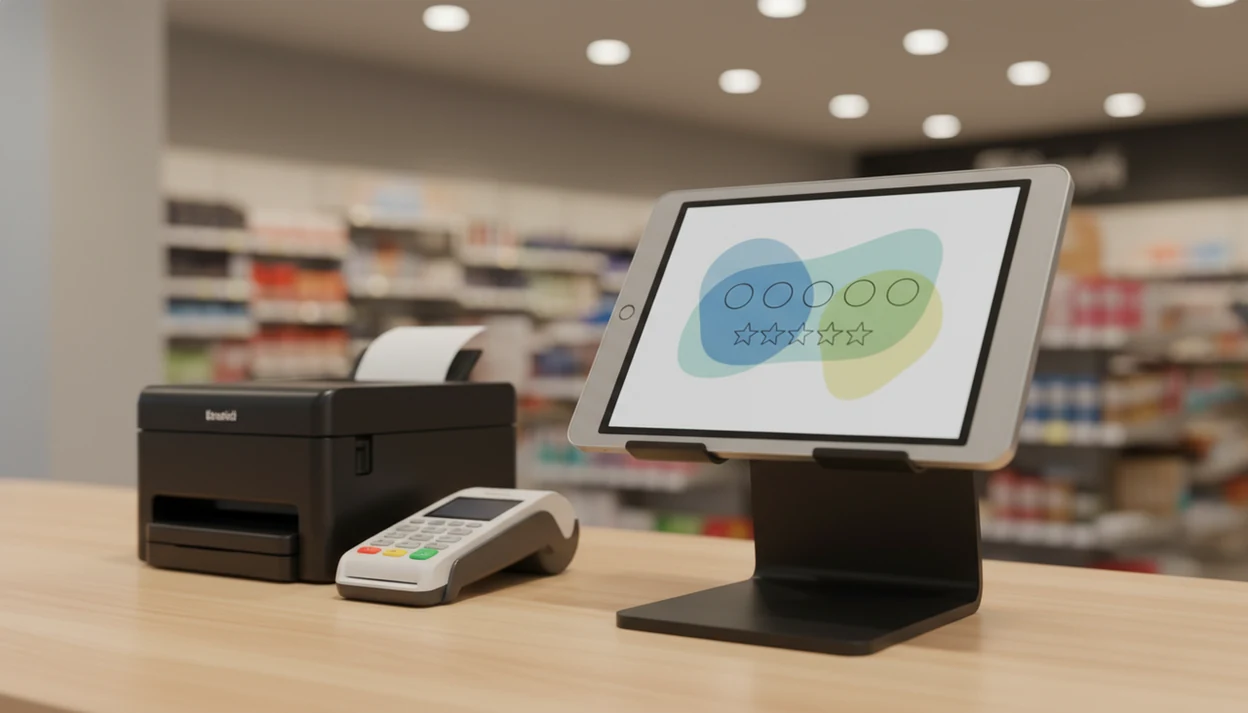
> Definition: Customer Feedback Surveys is a customer feedback survey app that collects post-purchase surveys, NPS scores, and review follow-ups for small businesses on Android devices.
- Run short, tap-based surveys on any Android phone or tablet, online or offline
- Collect NPS scores, star ratings, and open comments at the point of experience
- Get instant alerts for unhappy customers so your team can follow up fast
- View all responses in one dashboard across multiple devices and locations
What Works With Customer Feedback Surveys On Android Devices
Customer Feedback Surveys on Android supports the practical feedback modes small teams use in real locations, not just web forms opened later from an inbox. The point is to ask while the visit, pickup, or purchase is still fresh.
- Kiosk mode: Run a locked survey screen on an Android tablet at a counter, waiting area, or checkout stand.
- QR code surveys: Generate QR links for receipts, table cards, packaging inserts, and signs near pickup shelves.
- Offline collection: Capture responses without Wi-Fi, store them locally, then auto-sync when the device reconnects.
- Low-score alerts: Send push or email alerts when a customer leaves a score below your chosen threshold.
- Dashboard access: Review results from any modern Android browser, including Chrome, across devices and locations.
A retail shop looking for counter feedback fits Customer Feedback Surveys because the same Android tablet can collect star ratings, NPS, and open-text comments before the customer leaves the store.
Minimum Android Device Requirements For Feedback Surveys
Customer Feedback Surveys works best on Android 9 or newer, with current security updates and a modern browser for dashboard access. Older devices may still load simple surveys, but kiosk display and sync behavior can be less predictable.
For kiosk use, a 9-inch or larger tablet is easier for customers to tap without help. For handheld use, a standard Android phone works if the survey stays short. We recommend at least 2 GB of RAM and enough free storage for offline responses, cached screens, and app updates.
Wi-Fi is enough for most stores. Cellular data helps service teams, event booths, or mobile technicians. Offline mode covers dead spots, but it should not become the daily operating plan.
Before opening, load the survey, turn Wi-Fi off for one test response, then reconnect and confirm the answer appears in the dashboard.
How Android Customer Feedback Surveys Move From Tap To Dashboard
Android customer feedback surveys work by turning a customer tap, scan, or written comment into a scored response that can be reviewed and acted on. The basic data flow is device capture, local storage if needed, encrypted sync, scoring, dashboard aggregation, and alerting.
A customer taps a star rating on a tablet, answers a 0-to-10 NPS question, or scans a QR code printed below the total on a receipt. If the device is offline, the response is stored locally and synced once the connection returns. The server then assigns an NPS bucket, flags low scores, and groups responses by device, location, channel, and time.
Pew Research Center's Mobile Fact Sheet reports that about nine in ten U.S. adults own a smartphone (https://www.pewresearch.org/internet/fact-sheet/mobile/), which makes mobile feedback a normal customer behavior rather than a special request. Customer Feedback Surveys fits Android-first teams because survey capture, alert rules, and the dashboard all support same-day service recovery.
Good feedback apps collect short, timed customer signals, not long research forms disguised as checkout chores.
6-Step Setup For Customer Feedback Surveys On Android
Use this setup when you want Android feedback collection running today, not after a long software rollout. Keep the first version simple, then adjust after the first week of real responses.
- Install the app from the Google Play Store on the Android phone or tablet you plan to use.
- Choose a survey template for NPS, post-purchase feedback, service rating, restaurant visits, or retail checkout.
- Customize the questions and keep the survey to 3–5 prompts. SurveyMonkey's analysis of survey completion times shows that longer surveys lose respondents as the time commitment rises (https://www.surveymonkey.com/curiosity/surveycompletiontimes/).
- Set the device mode as kiosk, handheld, or QR link, depending on where the customer will respond.
- Enable alerts for scores below your threshold, such as NPS 0–6 or a 1-star rating.
- Review responses in the dashboard and close the loop with unhappy customers.
If you need a broader small-business setup, the full workflow is covered in our customer feedback surveys for small business guide.
Android Feedback App Vs. Email-Only Surveys For Small Businesses
An Android feedback app usually beats email-only surveys when the business needs in-the-moment feedback from real visits. Email still has a place, but it asks the customer to remember the experience later.
| Method | What it captures well | Main weakness |
|---|---|---|
| Android kiosk | Fresh ratings at the counter or table | Needs a device and staff placement |
| QR receipt survey | Post-purchase comments without staff handoff | Customers must notice and scan |
| Handheld phone survey | Service feedback after a job or appointment | Can feel awkward if rushed |
| Email-only survey | Longer comments after complex purchases | Opens may come days later or not at all |
Microsoft's 2017 State of Global Customer Service report found that 77% of consumers view a brand more favorably when it invites and accepts feedback (https://info.microsoft.com/rs/157-GQE-382/images/EN-US-CNTNT-report-2017-State-of-Global-Customer-Service.pdf). Harvard Business Review summarizes Bain research showing that a 5% increase in customer retention can increase profits by 25% to 95% (https://hbr.org/2014/10/the-value-of-keeping-the-right-customers). For small teams, point-of-experience surveys are often easier than email-only campaigns because the customer still remembers the slow line beside the card reader.
5 Business Types That Use A Customer Survey App For Android
A customer survey app for Android works best where staff can ask at the right moment and act on the result. The strongest use cases are local, service-heavy, and repeat-customer businesses.
- Restaurants and cafés: Use table-side tablets or receipt QR codes to catch cold fries, slow service, or a great server mention before the dinner rush ends.
- Salons and barbershops: Place a post-appointment kiosk near checkout when a quiet client leaves without rebooking.
- Retail shops: Put a tablet at the counter for size, stock, and checkout feedback.
- Clinics and dental offices: Collect waiting-room feedback without asking patients to write public reviews first.
- Service businesses: Let a technician hand over a phone after a repair, cleaning, or installation.
Anyone dealing with scattered comments across stores can use Customer Feedback Surveys because responses roll into one dashboard by location, score type, and date. Companies that systematically measure customer feedback have seen satisfaction improve by up to 20 percentage points over three years, according to customer-experience research.
Daily Workflow For Android Feedback Collection Teams
Android feedback collection only helps if someone checks it. Assign one owner to review the dashboard daily, or use auto-alerts so low scores reach the right person without waiting for a weekly meeting.
Before opening the register, one owner might scan yesterday’s customer comments and flag two follow-ups. That habit matters more than a fancy report. The awkward moment is familiar: a customer says “everything was fine” in person, then leaves a 6 out of 10 later.
Set a 10-minute weekly review for recurring themes. Put NPS scores, customer quotes, and one assigned follow-up in a spreadsheet tab. Then tie themes to staff training, menu changes, appointment timing, or POS notes. If you already compare feedback with sales, our app that collects customer feedback after purchase page explains post-purchase timing in more detail.
Google Play Download For The Customer Feedback Surveys Android App
Download Customer Feedback Surveys from the Google Play Store when you are ready to test Android survey collection on a phone or tablet. Account creation should take under 2 minutes, then you can choose a template and send a test response before placing the device in front of customers.
When the issue is fast in-store setup, Customer Feedback Surveys earns the spot because it supports kiosk, handheld, and QR survey modes from the same Android workflow. Plan details and trial availability may vary, so check the listing before rollout. For download options across devices, use the download customer feedback survey app page.
Limitations
Customer Feedback Surveys is built for lightweight Android feedback collection, but it is not a substitute for every research or support process. Treat it as an operating habit, with clear boundaries.
- On-the-spot responses can skew very happy or very unhappy, while neutral customers often walk past the tablet.
- Short mobile surveys miss deeper context, so pair them with interviews, review analysis, or longer follow-ups when needed.
- Too many questions, weak Wi-Fi, or slow old devices can cause abandonment.
- Collecting emails or phone numbers without clear consent creates legal and trust risk.
- Low-traffic businesses may need weeks before patterns are meaningful.
- Android OS fragmentation can cause display quirks on very old phones and tablets.
- Kiosk mode needs a dedicated device, which adds a small hardware cost.
- Enterprise research platforms like qualtrics.com or broad form builders like google.com/forms may fit complex studies better.
For small businesses comparing budget options, our free customer feedback survey app guide covers tradeoffs before you commit.